
Screen RecordingScreen recording software for Mac
Record your screen, camera, and audio in 4K, then edit the video by editing the transcript. Recordings stay on your Mac until you share them, with no watermark and no time limit.
Coming soon for Mac with Apple silicon and macOS 26.4 or later.
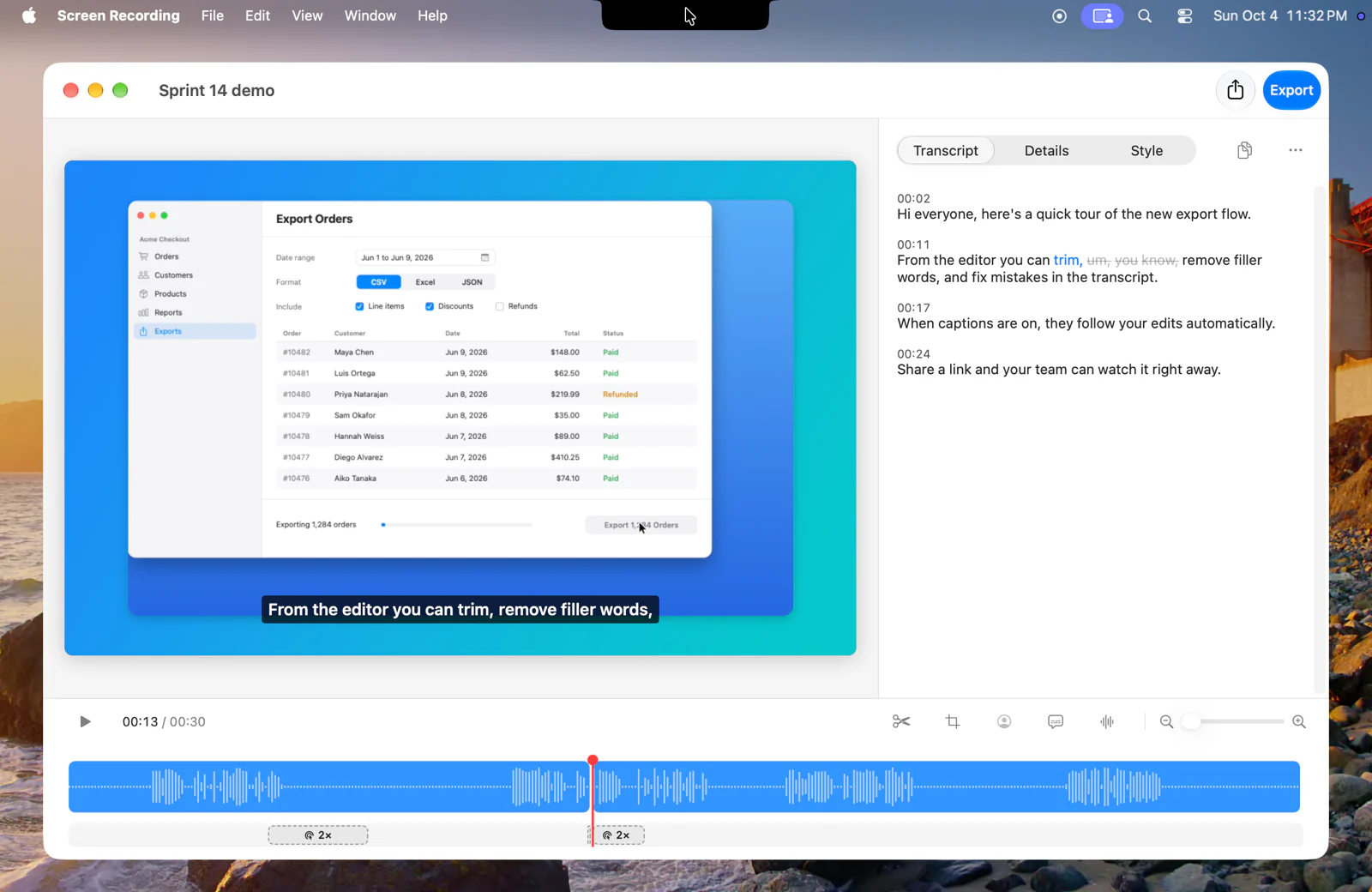
Record and edit in one app.
All featuresRecord any part of the screen
Capture the full screen, one window, or an area you draw at your display's full resolution and 60 fps, with system audio and your microphone on separate tracks.
Learn more about Record any part of the screenEdit by transcript
Delete a sentence from the transcript and it is cut from the video. Review suggested filler words and remove them together.
Learn more about Edit by transcriptZoom in on every click
Each run of clicks gets a zoom that follows the cursor. Put the recording on a background in 16:9, square, or vertical, and change the cursor after you record.
Learn more about Zoom in on every clickRecordings stay on your Mac.
Screen Recording records, transcribes, and edits on your Mac. Your recordings never upload unless you share them, and it needs no account. A Plus One account you sign in with never holds your recordings.
About privacyShow your coding agent what happened.
Record a bug once while you narrate it. Copy the transcript with timestamps and paste the clip into Claude Code, Cursor, or any agent chat.
Recording for coding agentsFind your way to use it.
All use casesUse cases
Bug reports, product demos, tutorials, and async updates.
Learn more about Use casesCompare recorders
How Screen Recording compares with Loom, Screen Studio, Camtasia, Cap, and QuickTime.
Learn more about Compare recordersScreen record on a Mac
Every way to record your Mac screen, with and without audio.
Learn more about Screen record on a Mac